A functional todo app in Svelte 5, using less than 15 lines of code?
Updated on March 14, 2026
Written by MaDrCloudDev
Can we build a functional todo app in Svelte 5, using less than 15 lines of code?
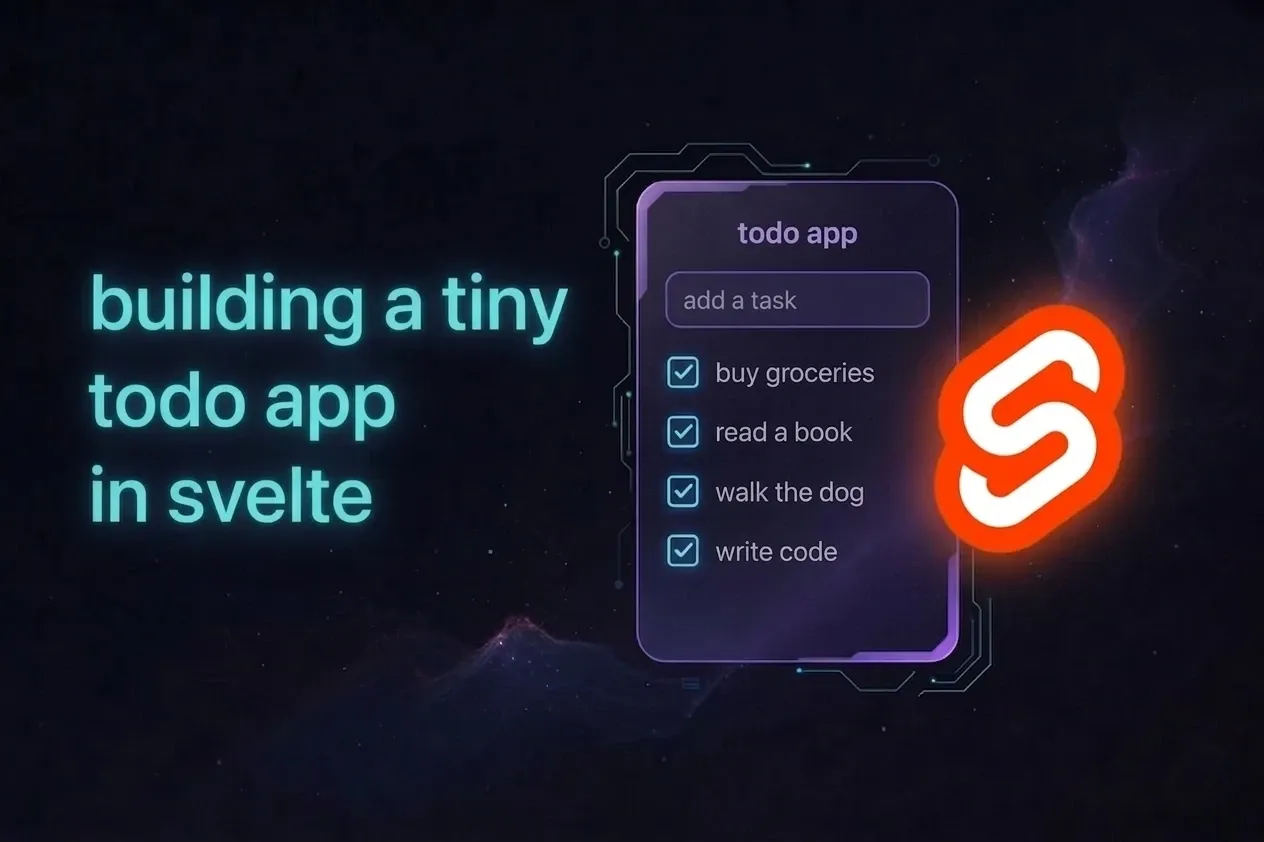
In this tutorial, we’ll build a tiny todo app in Svelte 5 in under 15 lines of code. It’s intentionally minimal - not production-ready - but it demonstrates how modern UI frameworks can handle real state and user interaction with very little code. If you’ve never used Svelte before, you can still follow this: each step builds directly on the previous one.
Setting up our reactive state
First, we need somewhere to store our todos. Since a todo list can grow and change, we’ll track our todos in an array named todos. We then wrap that array with Svelte’s $state() rune to make it reactive, which means UI updates happen automatically when the data changes.
<script>
	let todos = $state([{ text: 'Fly to the moon', done: false }]);
</script>
We’ll start with a single todo, Fly to the moon, so the list isn’t empty. It also shows the shape of our data: each item has text (the displayed text) and done (true or false).
At this point, we only have state; we haven’t rendered anything yet.
Counting completed todos
Now that we have state, we can compute useful values from it. We want to track how many todos are completed, so we use Svelte 5’s $derived() rune to compute that number from todos.
<script>
	let todos = $state([{ text: 'Fly to the moon', done: false }]);
	let done = $derived(todos.filter((t) => t.done).length);
</script>
We filter todos down to items marked as done, then read the filtered array’s .length.
In todos.filter((t) => t.done), (t) => t.done means: “for each todo t, keep it only if done is true.”
Because this value is derived from reactive state, Svelte automatically recalculates it whenever a todo is added, removed, or toggled.
Adding new todos
Now we need a way for users to add items. We do this with an HTML input and an onchange handler that appends a new object to todos.
<script>
	let todos = $state([{ text: 'Fly to the moon', done: false }]);
	let done = $derived(todos.filter((t) => t.done).length);
	let onchange = (e) =>
		todos.push({ text: e.target.value, done: false }) &&
		(e.target.value = '');
</script>

<input onchange={onchange} />
When the event fires, we:
- Read the input value from
e.target.value(eis the browser event object) - Push a new todo (
{ text, done }) intotodos - Reset the input to an empty string
Because todos is reactive, Svelte updates the UI automatically after each new item is added.
Technical note: onchange runs when the value is committed (usually on blur or Enter), not on every keystroke.
Displaying our todos
With state and input in place, we can render the list. Svelte’s {#each} block iterates over todos and renders one row per item.
<script>
	let todos = $state([{ text: 'Fly to the moon', done: false }]);
	let done = $derived(todos.filter((t) => t.done).length);
	let onchange = (e) =>
		todos.push({ text: e.target.value, done: false }) &&
		(e.target.value = '');
</script>

<input onchange={onchange} />

{#each todos as todo}
	<div>
		<input bind:value={todo.text} />
		<input type="checkbox" bind:checked={todo.done} />
	</div>
{/each}
The bind:value and bind:checked directives create two-way bindings between the UI and our data:
bind:value={todo.text}keeps the text input synced withtodo.textbind:checked={todo.done}keeps the checkbox synced withtodo.done
This means data updates the UI, and UI interactions update the data.
So if the user edits text or toggles the checkbox, the underlying todo object updates directly.
Adding a completion counter
We already have a derived value, done, that tracks how many todos are completed. Now we render it in the markup.
<script>
	let todos = $state([{ text: 'Fly to the moon', done: false }]);
	let done = $derived(todos.filter((t) => t.done).length);
	let onchange = (e) =>
		todos.push({ text: e.target.value, done: false }) &&
		(e.target.value = '');
</script>

<input onchange={onchange} />

{#each todos as todo}
	<div>
		<input bind:value={todo.text} />
		<input type="checkbox" bind:checked={todo.done} />
	</div>
{/each}

<div>Done: {done}</div>
At this point, the app is fully functional:
- Add new todos
- Edit todo text
- Toggle completion state
- See completed-count updates in real time
Shrinking it to under 15 lines
The readable version above is easier to learn from. Now let’s compress it without changing behavior.
First, use Svelte’s attribute shorthand:
<input {onchange} />Then combine variable declarations:
<script>
	let todos = $state([{ text: 'Fly to the moon', done: false }]),
		done = $derived(todos.filter((t) => t.done).length),
		onchange = (e) => todos.push({ text: e.target.value,
			done: false }) && (e.target.value = '');
</script>
Finally, remove extra whitespace:
<script>
	let todos = $state([{ text: 'Fly to the moon', done: false }]),
		done = $derived(todos.filter((t) => t.done).length),
		onchange = (e) => todos.push({ text: e.target.value,
			done: false }) && (e.target.value = '');
</script>
<input {onchange} />
{#each todos as todo}
	<div>
		<input bind:value={todo.text} />
		<input type="checkbox" bind:checked={todo.done} />
	</div>
{/each}
Done: {done}
That gives us the same app in under 15 lines, while keeping the exact same behavior and approach.
Try it yourself
- Live Demo - See it in action
- Svelte Playground - Edit and experiment online
- GitHub Repo - Clone and modify locally
Next step
If you want to keep this exact app shape and make it more practical, the follow-up tutorial adds a safer add flow, delete support, stable ids, and persistence without throwing away the tiny version: From under 15 lines to production-ready